What it is
Talynce is an AI-assisted Applicant Tracking System (ATS). It helps recruiting teams store candidates, create jobs, match candidates to roles with AI, run automated screening (video interviews and, where enabled, voice calls), and track everyone through a hiring pipeline.
Who can use it
Every signed-in organization member. What you can do depends on your role — see Roles and permissions.
Where to find it
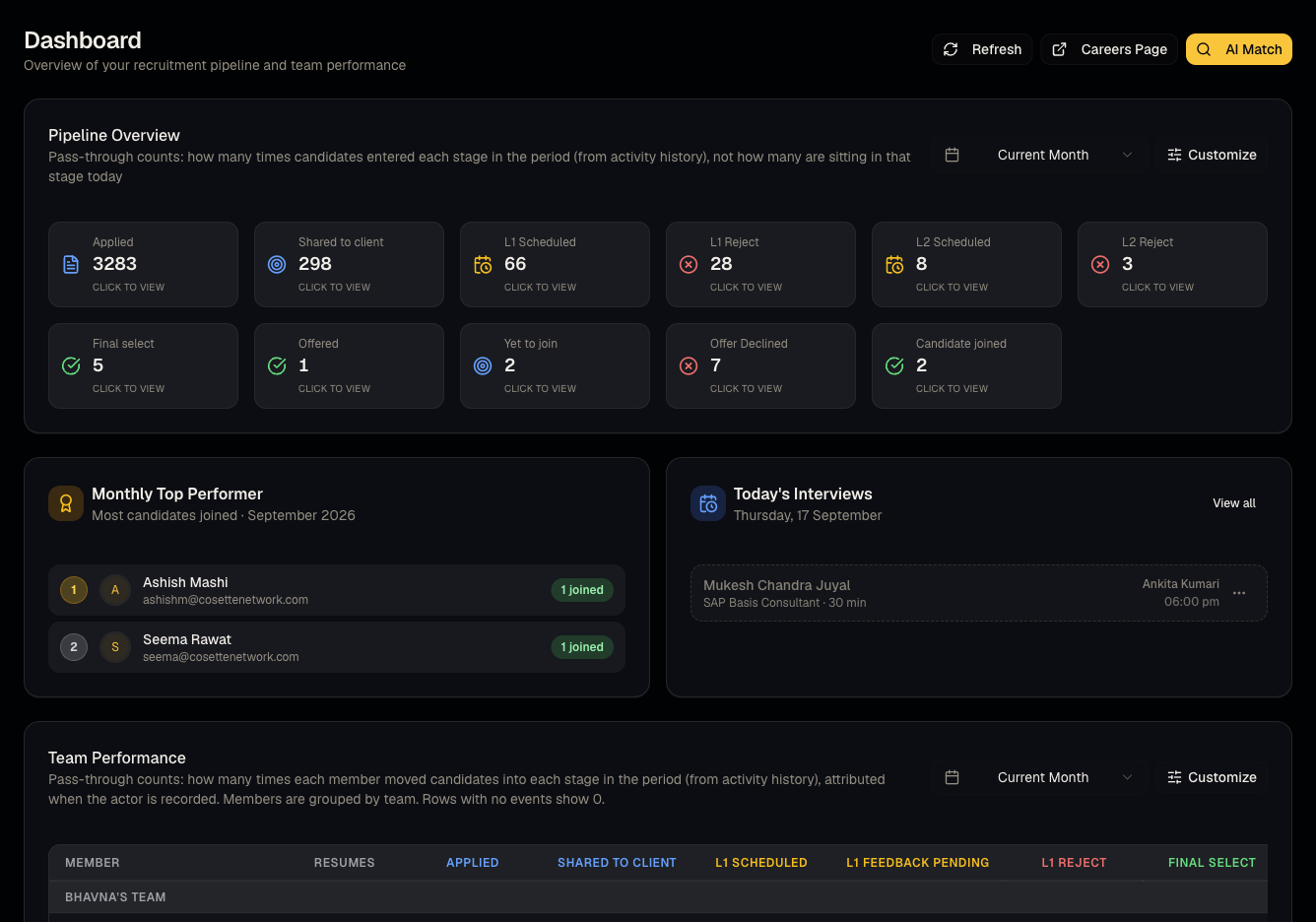
Everything lives under Dashboard home after you sign in. The left sidebar is your map: Dashboard, Clients, Jobs, Messages, Candidates, Screening, Interviews, AI Match, Pipeline, AI Calling Agent, Bulk Upload, Reports, Settings, and (admins only) Administration.
Steps: the six-step hiring path
- Add candidates — one at a time on Candidates, or hundreds at once with Bulk resume upload.
- Create a job — see Create a job.
- Find matches — use AI Match against your own database or the global talent pool.
- Screen candidates — shortlisting a candidate can trigger an outreach email and, once they confirm interest, an AI video interview. See From apply to video interview.
- Review screenings — watch AI video interviews and read pre-interview answers in Screening.
- Manage the pipeline — move candidates through stages, leave notes, and track outcomes on the Pipeline board.
Good to know
New organizations start on a trial. Some actions (creating jobs, editing, revealing global-pool profiles, buying credits) are blocked once a trial expires until you upgrade — see Plans and subscriptions.
Common questions
- Is there a mobile app? No — the dashboard is a responsive web app.
- Do I need technical knowledge? No. Uploading resumes, creating jobs, and reviewing candidates all use guided forms.
- What is "AI Calling Agent"? An add-on that places automated screening phone calls. It has its own on/off switch per organization — see Set up AI Calling.
- Where do I get help? Use Support from the header (see Support tickets).