What it is
A built-in ticketing system to reach Talynce support without leaving the app.
Who can use it
All roles.
Where to find it
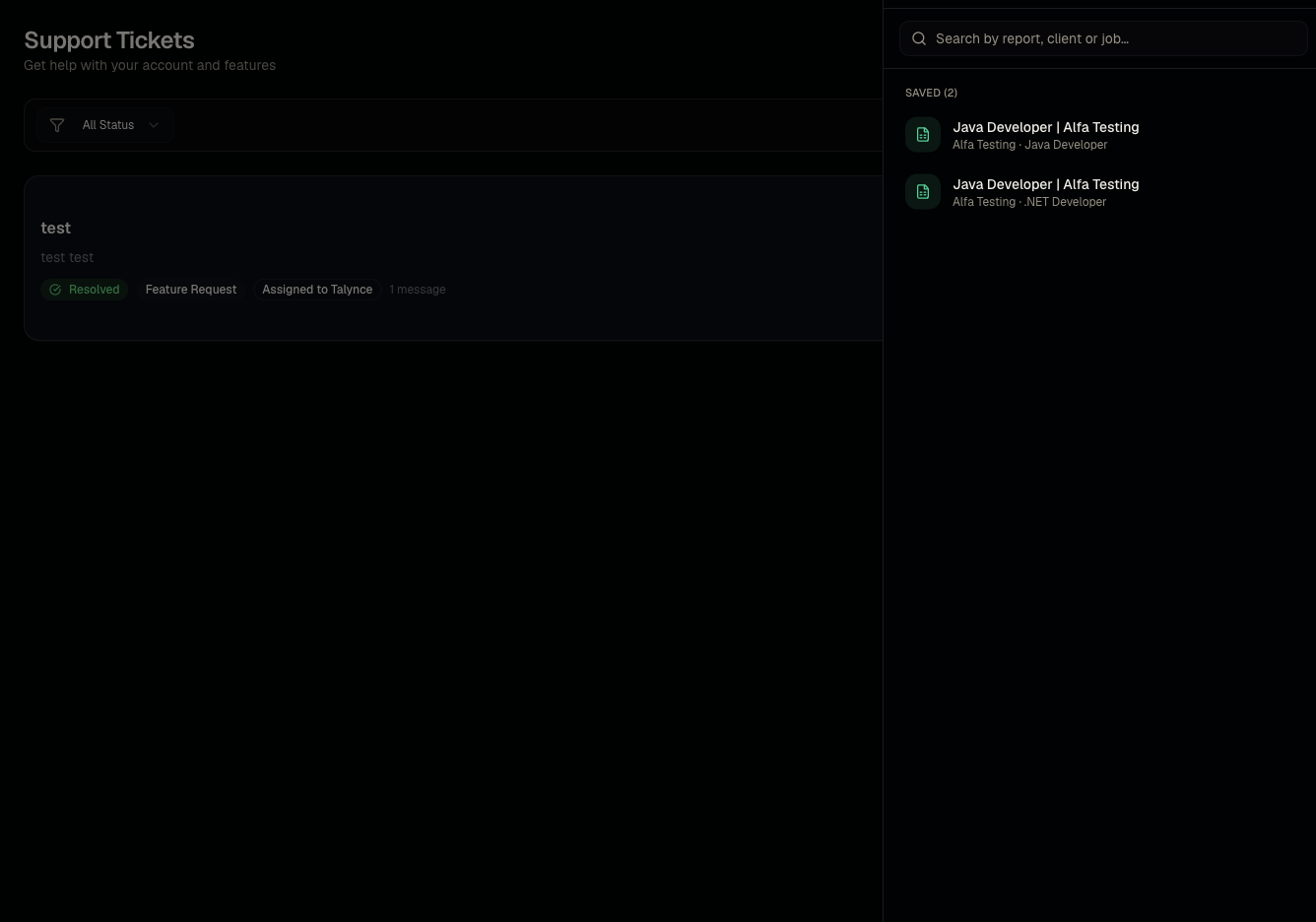
Header Help icon, or Support. Open a ticket thread at /dashboard/support/[id].
Steps
- Click Support in the header.
- Fill in a brief description, pick a category (Billing, Technical Issue, Account/Login, Bug, Feature Request, Integrations, Performance, Other), and add a description.
- Optionally attach an image.
- Submit — track replies on the ticket's detail page.
Good to know
- Choosing an accurate category helps route your ticket faster — use Billing for credits/subscription issues and Technical Issue/Bug for something not working as documented here.
Common questions
- Can I attach more than one file? Check the ticket form for current attachment limits; if you need to send more, mention it in the description and follow up in the thread.
- How will I know if support replies? Check in-app notifications and your ticket thread directly.
- Can I reopen a resolved ticket? Reply on the existing ticket thread rather than filing a new one for the same issue.
- Who in my organization can see my tickets? Ticket visibility is generally per-submitter; check with an admin if you need organization-wide visibility into all tickets.
Related articles
Last updated: 9/17/20264 views