Documentation
In-app notifications
The in-app notification feed, separate from your email notification preferences.
What it is
An in-app feed of events relevant to you — new tickets, replies, candidate shortlists, job creation, user invites, billing updates, and system announcements.
Who can use it
All roles — each user sees their own relevant notifications.
Where to find it
Notifications. (This page isn't currently linked from the sidebar or header — bookmark the URL if you want quick access.)
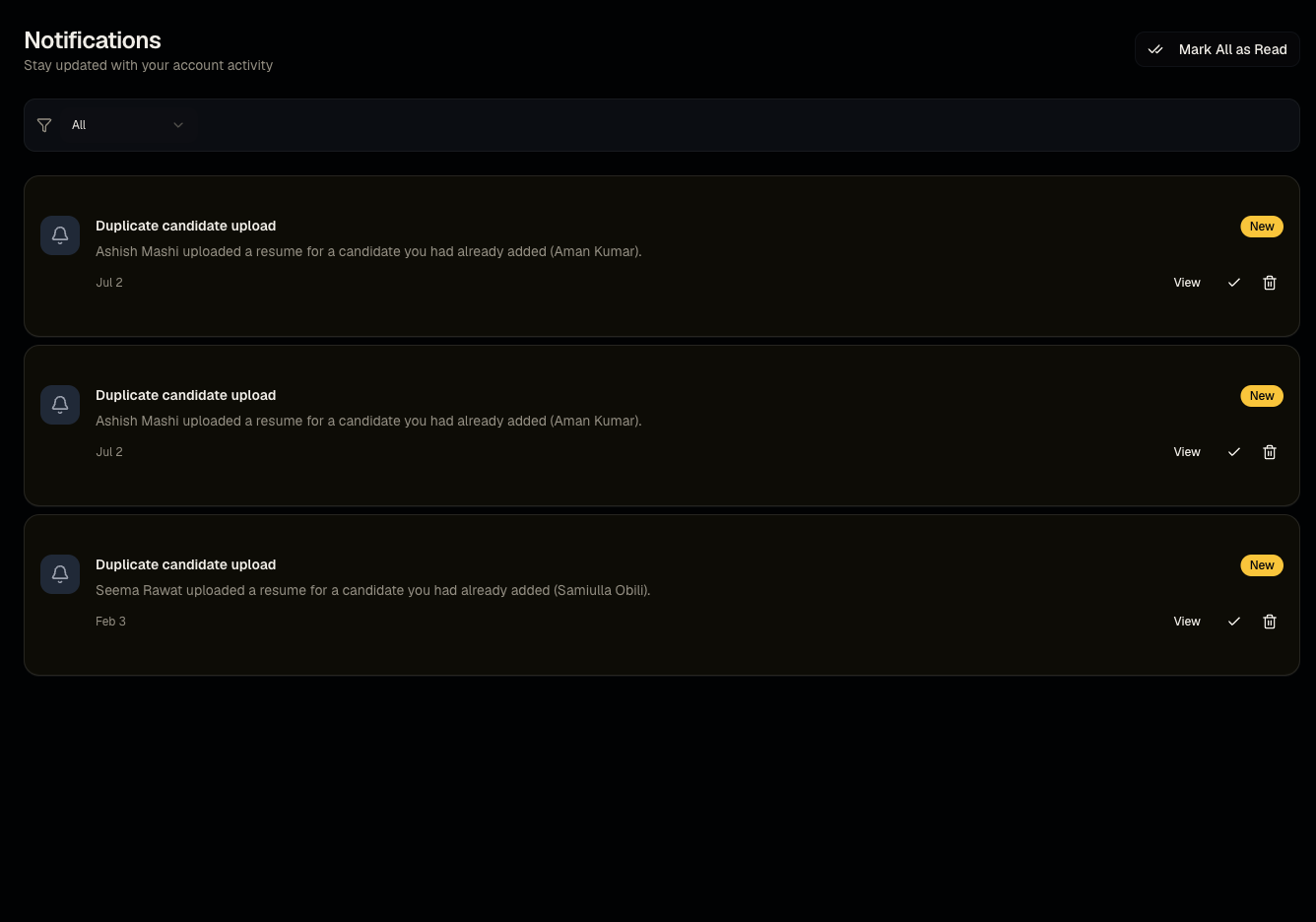
Steps
- Visit Notifications to see your feed.
- Mark items read or unread as needed.
Good to know
- This is a different system from Settings → Notifications. The Settings toggles (Email Notifications, Screening Alerts, Candidate Updates, Weekly Report, Marketing Emails) control what gets emailed to you; this page is the in-app feed and isn't controlled by those toggles. Don't expect turning off an email toggle to also clear this feed, or vice versa.
Common questions
- Why can't I find a link to this page? It's not currently in the sidebar — navigate directly to Notifications.
- Does turning off email notifications stop in-app notifications too? No, they're independent systems.
- Can I clear old notifications? Mark them read to declutter the unread view; check the page for a bulk mark-as-read option.
- Will I get a notification when a candidate confirms interest? Yes — recruiter notifications for interest confirmation surface here, related to the flow in From apply to video interview.
Related articles
Last updated: 9/17/20265 views