Documentation
From apply to video interview: the full funnel
What actually happens the moment you shortlist a candidate to a job — email, interest link, and video invite.
What it is
Shortlisting (applying) a candidate to a job for the first time can automatically send them a communication — an outreach email, or directly a video interview link — depending on your organization's and the job's settings. This article is the map of that whole funnel, because it touches four different screens.
Who can use it
Any admin or member who shortlists candidates (from Candidates, AI Match, or a public job application). Only admins control the org-level switches in Outreach and interest links.
Where to find it
- Organization defaults: Settings → Outreach & Interest link (admin only)
- Per-job override: the Send video interview directly toggle when creating a job
- Where it lands for the candidate:
/j/{jobId}/{candidateId}(the public interest-confirmation page)
Steps: the decision tree
- A candidate is applied/shortlisted to a job for the first time.
- If the job has "Send video interview directly" turned on: the candidate gets a video interview invite by email immediately (provided the job has interview questions and video screening isn't disabled at the org level). The interest step is skipped entirely.
- Otherwise:
- If organization outreach email is enabled and the candidate has an email address, they receive an outreach email with a link to
/j/{jobId}/{candidateId}. - If your organization has WhatsApp outreach configured (a backend setting — see gotcha below), they may also receive a WhatsApp message with the same link.
- The candidate opens the interest page, confirms interest, and — if your organization's "video screening interview" setting is on — is immediately sent a video interview link.
- You (the recruiter) get notified in-app that the candidate showed interest.
- If organization outreach email is enabled and the candidate has an email address, they receive an outreach email with a link to
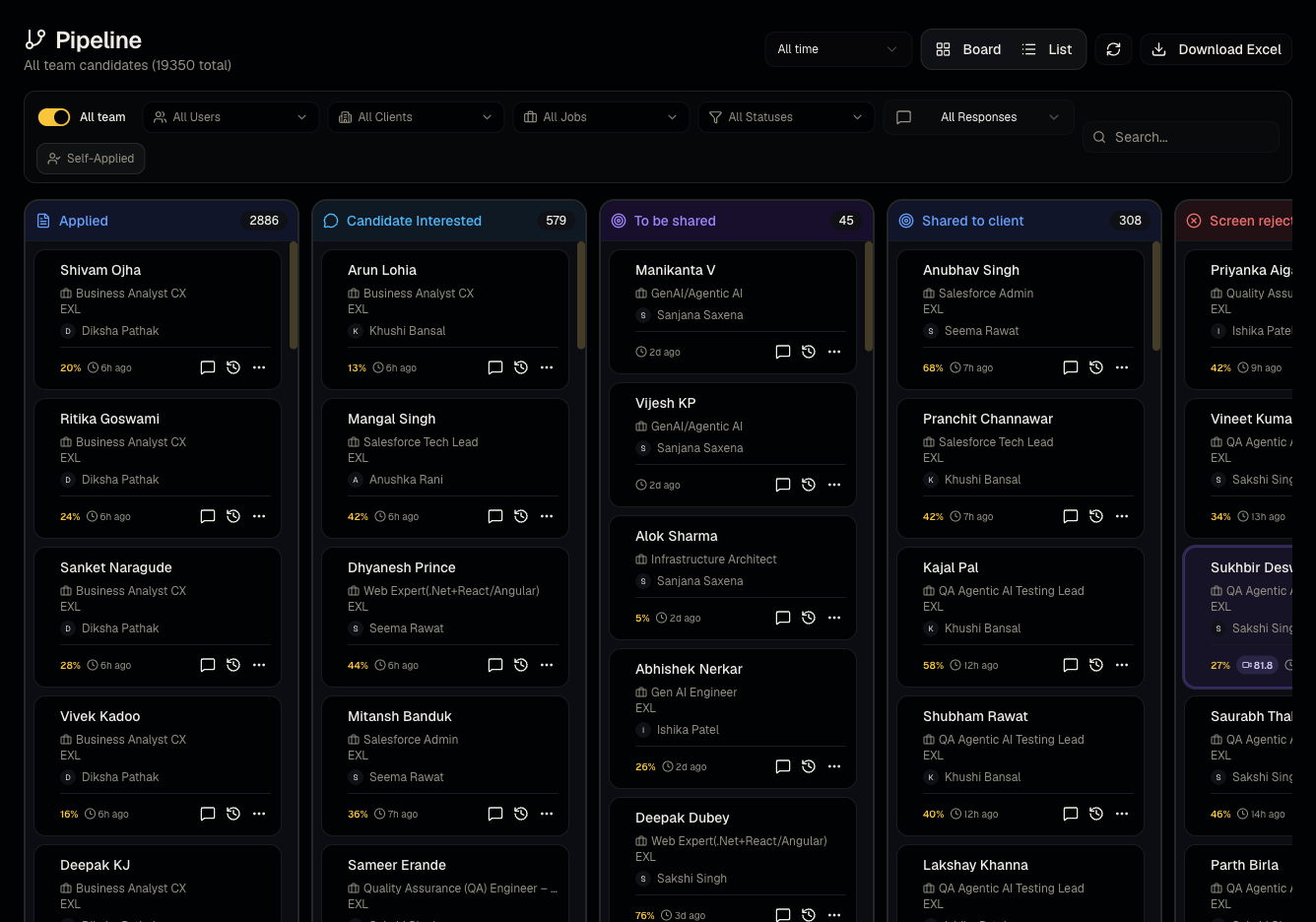
- From there, the candidate's activity shows up in Pipeline and, once they complete a video interview, in Screening.
Good to know
- The outreach toggle has a default mismatch. In Settings, Email outreach displays as OFF until an admin has explicitly saved it at least once. But the underlying default in the system is to send outreach on first apply. In practice: if your organization has never touched this setting, outreach emails are likely still going out even though the toggle looks off. If you want outreach emails to definitely stop, open Settings → Outreach & Interest link and explicitly turn Email outreach off, then save.
- WhatsApp outreach is controlled by a setting that is not exposed anywhere in the Settings UI. If your organization has it enabled, candidates may receive a WhatsApp message alongside or instead of email — this is configured for you, not something you toggle yourself. Contact support if you need it changed.
- "Send video interview directly" is per job, not global. Two jobs in the same organization can behave differently — one sends the interest link first, another goes straight to video.
- Candidates can unsubscribe from outreach emails (a link is included in every outreach email) — once unsubscribed, they won't receive future outreach even if you reshortlist them.
- This entire flow only fires on the first time a candidate is applied to a that specific job — reapplying them to the same job won't resend outreach.
Common questions
- Why did this candidate get an email the moment I shortlisted them? That's expected — see the decision tree above. Check the job's Send video interview directly setting and your org's outreach settings if the behavior surprises you.
- A candidate says they never got anything — why? Check they have an email on file, that they haven't unsubscribed, and that outreach is actually enabled for your organization.
- Can I stop outreach for one specific candidate without changing org settings? Not directly — outreach is controlled at the org and job level, not per candidate. Removing their email from their profile before shortlisting is the only workaround.
- Does the recruiter get told when a candidate confirms interest? Yes, an in-app/email notification is sent to the recruiter who owns the shortlist.
- What if the job has no interview questions yet? A video invite won't be sent (there's nothing to ask); the candidate simply confirms interest and waits for you to add questions or move them manually.
Related articles
Do not confuse with
- This is not the same as AI Calling Agent campaigns, which place phone calls on a schedule you configure separately.
Last updated: 9/17/20265 views