Documentation
Create and run a calling campaign
Build a campaign with an audience, a script, and a phone number, then start, pause, or resume it.
What it is
A campaign defines who gets called, what they're asked, and which number calls them. Campaigns run continuously against a live audience definition — they don't just call a fixed list once.
Who can use it
Admins and members, on an organization with AI Calling Agent set up.
Where to find it
AI Calling Agent → Campaigns → New Campaign; manage existing ones at /dashboard/ai-calling-agent/campaigns/[id].
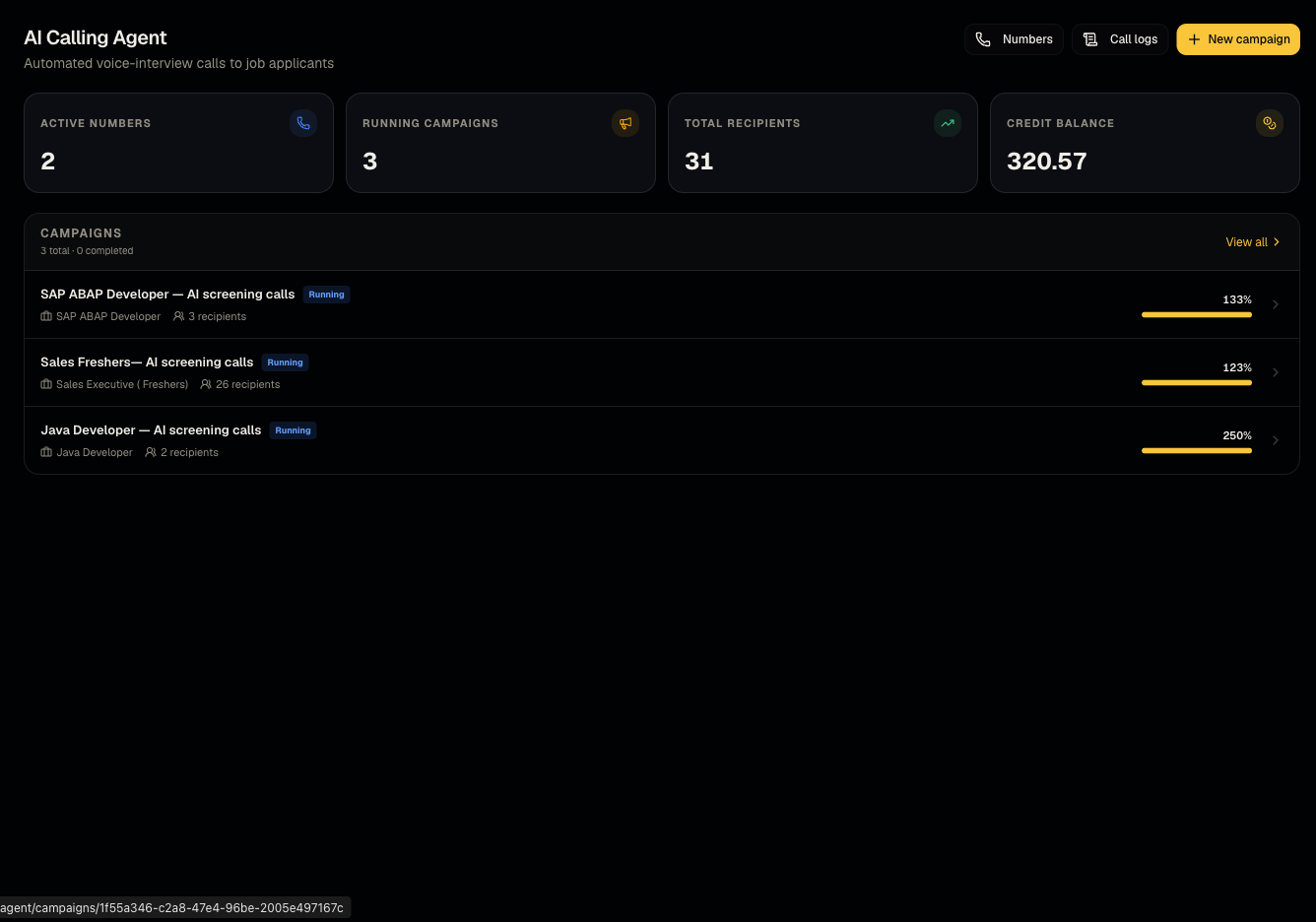
Steps
- Fill in the campaign form across its tabs:
- Audience — pick a client/job and the pipeline statuses that qualify a candidate to be called (e.g., call anyone in "Applied").
- Script — the greeting and questions the AI asks on the call.
- Number & name — which purchased number places the calls, and the campaign's name.
- Save/create — the campaign preview shows how many candidates currently qualify ("N will be called") and flags anyone missing a phone number, who will be skipped.
- Start the campaign to begin dialing.
- Pause or Resume at any time from the campaign detail page.
- Track spend via Credits used on the detail page.
Good to know
- An empty audience is normal and allowed. If the copy reads "Nobody with a phone number is in these statuses yet... You can still create the campaign," that's expected — the campaign will start dialing automatically as candidates enter the selected pipeline statuses, even if zero people qualify right now. Don't assume the campaign is broken just because it starts with 0 recipients.
- Candidates without a phone number on file are automatically skipped — they won't be called and won't block the campaign.
- A campaign keeps evaluating its audience over time (as candidates move into/out of the selected statuses), not just once at creation.
Common questions
- My campaign shows 0 recipients — is something wrong? No — this is normal for a campaign built ahead of applicants; it will dial as people apply and reach the selected statuses.
- What happens to candidates with no phone number? They're silently skipped, visible in the preview as "missing phone."
- Can I edit a running campaign? Yes, from its edit page — changes apply going forward.
- How do I stop calls temporarily without losing the setup? Use Pause, not delete.
Related articles
Last updated: 9/17/20265 views