Documentation
Set up AI Calling Agent
Provision your organization and buy your first phone number before creating campaigns.
What it is
AI Calling Agent places automated voice screening calls to candidates, asking a script of questions and recording their answers — similar in spirit to a video interview, but over the phone.
Who can use it
Admins and members, only once the feature is enabled for your organization. If it's not enabled, you'll see an empty/disabled state instead of the setup flow — contact your account team.
Where to find it
Sidebar → AI Calling Agent.
Steps
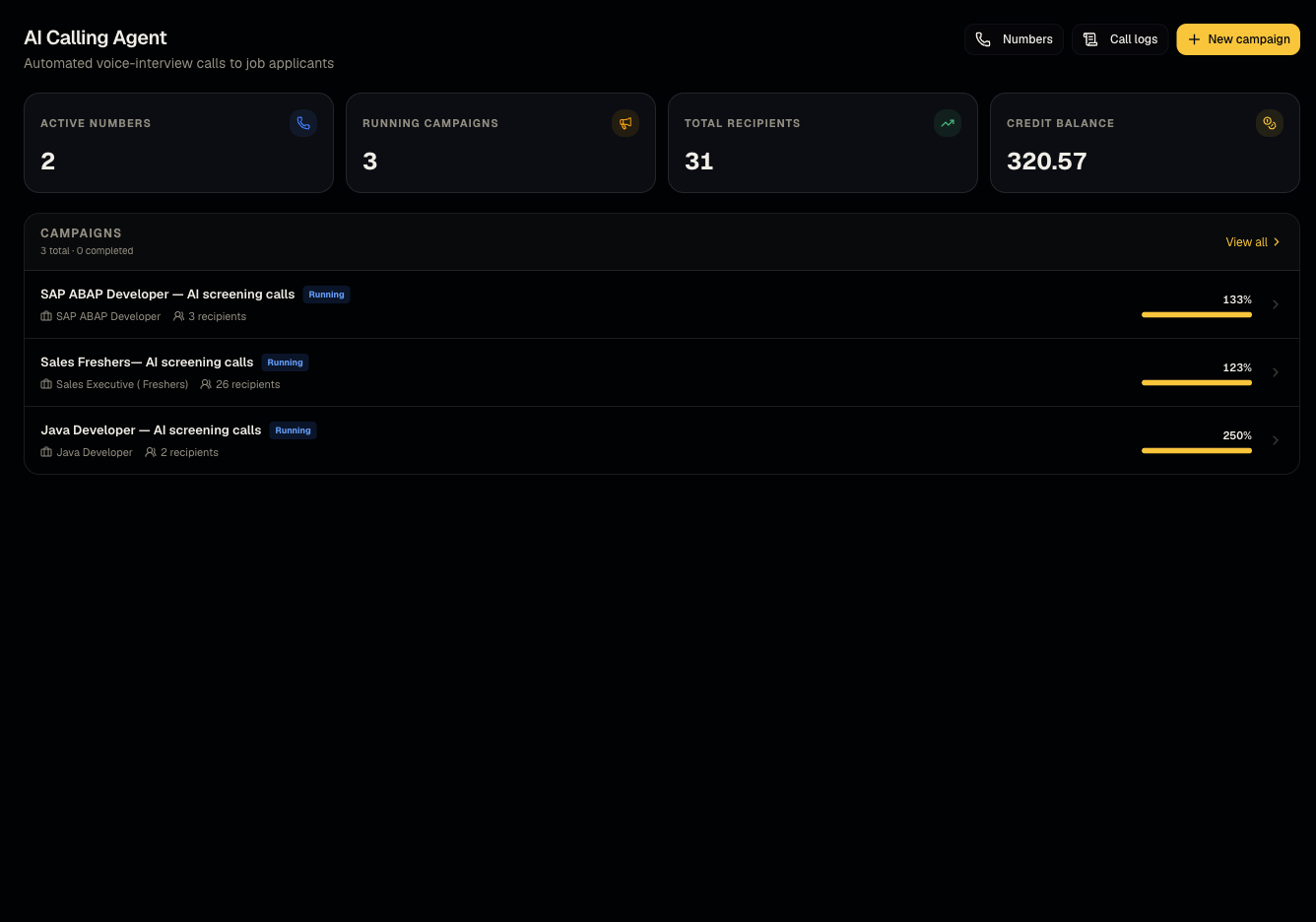
- Open the hub — if this is your first visit, you'll see Set up AI Calling Agent.
- Provision your organization for calling (one-time setup).
- Purchase your first calling number — costs 50 credits.
- Once you have a number, you can create your first campaign.
Good to know
- If the hub shows "AI Calling Agent isn't enabled," that's a deployment/plan flag your account team controls — it's not something you can toggle yourself from Settings.
- Buying a number requires enough credit balance; insufficient credits block the purchase — see What credits cost.
Common questions
- Why don't I see AI Calling Agent at all? It may not be enabled for your organization yet.
- How many numbers do I need? One is enough to start; each additional number is another 50 credits.
- Can I use a phone number I already own? Numbers are provisioned through Talynce's calling infrastructure — porting an existing number isn't a standard self-service flow; contact support if you have a specific requirement.
- Does buying a number require a paid plan? Yes, along with sufficient credit balance — see What credits cost.
Related articles
Last updated: 9/17/20264 views