Roles and permissions
What admins, members, and viewers can each do, plus trial and forced-password edge cases.
What it is
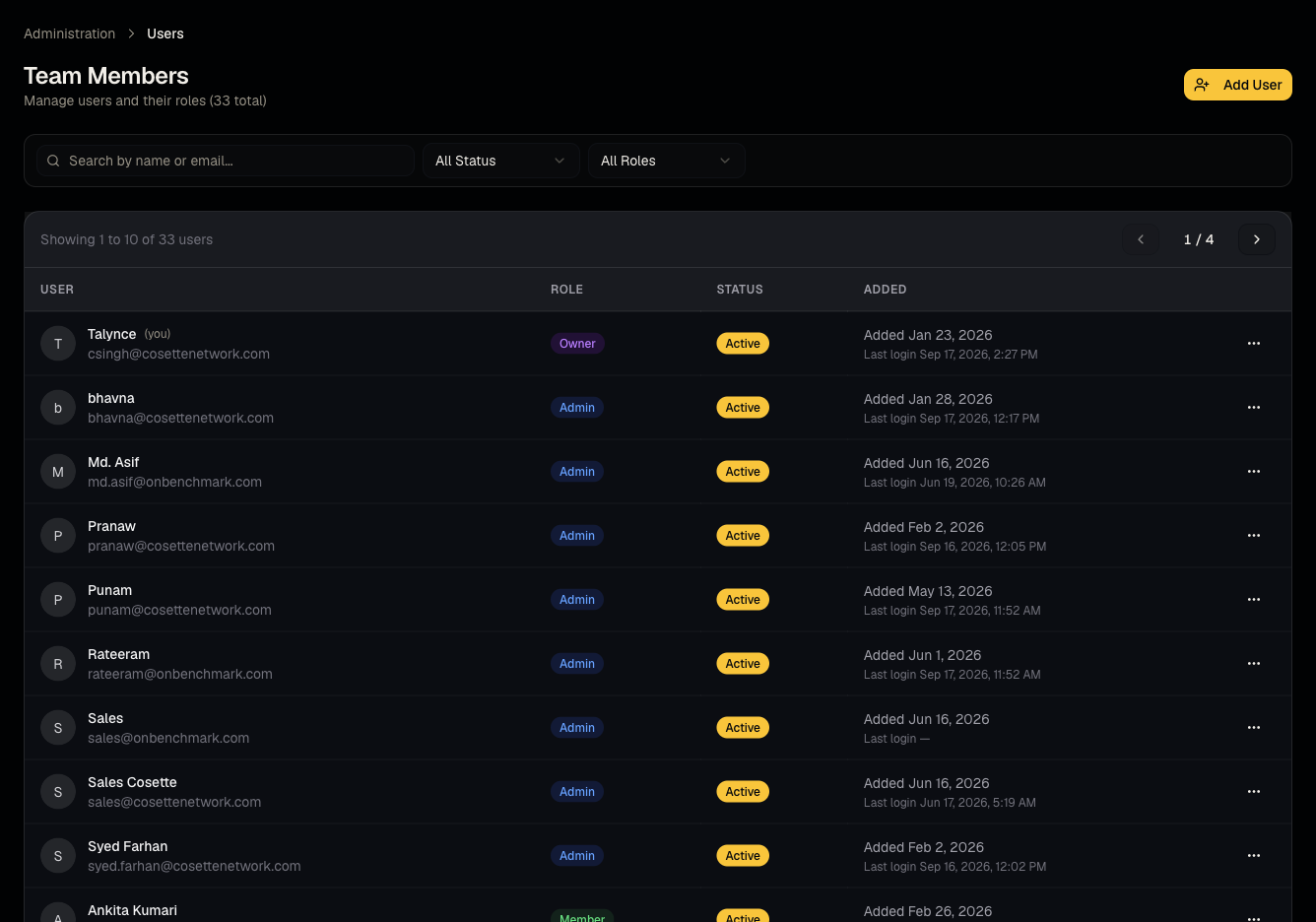
Every user in an organization has one role: admin (sometimes called owner), member, or viewer. The role controls which sidebar items appear and which actions are blocked.
Who can use it
Set by an admin when inviting or editing a user in Administration → Users.
Where to find it
Administration → Users (Users, admin-only).
Steps: the role matrix
| Action | Admin | Member | Viewer | |---|---|---|---| | View jobs, candidates, pipeline, reports | Yes | Yes | Yes | | Create/edit jobs, candidates, clients | Yes | Yes | No (read-only) | | Bulk upload resumes | Yes | Yes | No (hidden from sidebar) | | Users, Billing, Credits, Developer, Report templates | Yes | No | No | | Everything under Administration | Yes | No | No |
Good to know
- Viewers can still search and browse AI Match and open candidate profiles, but cannot create/edit jobs, candidates, or clients, and cannot upload resumes.
- Members have full recruiting write access (jobs, candidates, pipeline, screening, AI Calling) but are blocked from Administration entirely — no Users, Billing, Credits, Developer, or Report templates.
- Expired trial: regardless of role, write actions such as creating/editing jobs and candidates, uploading resumes, and revealing global-pool profiles are blocked until the organization upgrades.
- Forced password change: if an admin sets a temporary password for you (or one was auto-generated), you're redirected to Set your new password and cannot use the rest of the dashboard — no sidebar, no other pages — until you set a new password.
Common questions
- I'm a member — why can't I see Billing or Users? Those are admin-only by design.
- Why is my Jobs "New" button disabled? You're either a viewer, or your organization's trial has expired.
- I'm stuck on "Set your new password" — how do I get to the dashboard? Enter your current temporary password and choose a new one (minimum 6 characters); you're redirected to the dashboard on success.
- Can a member invite other users? No — only admins manage users.
- Can I have more than one admin? Yes, any number of users can be promoted to admin.