Documentation
Client jobs and candidates report
The grid view of jobs and candidates per client — filterable, exportable, and shareable.
What it is
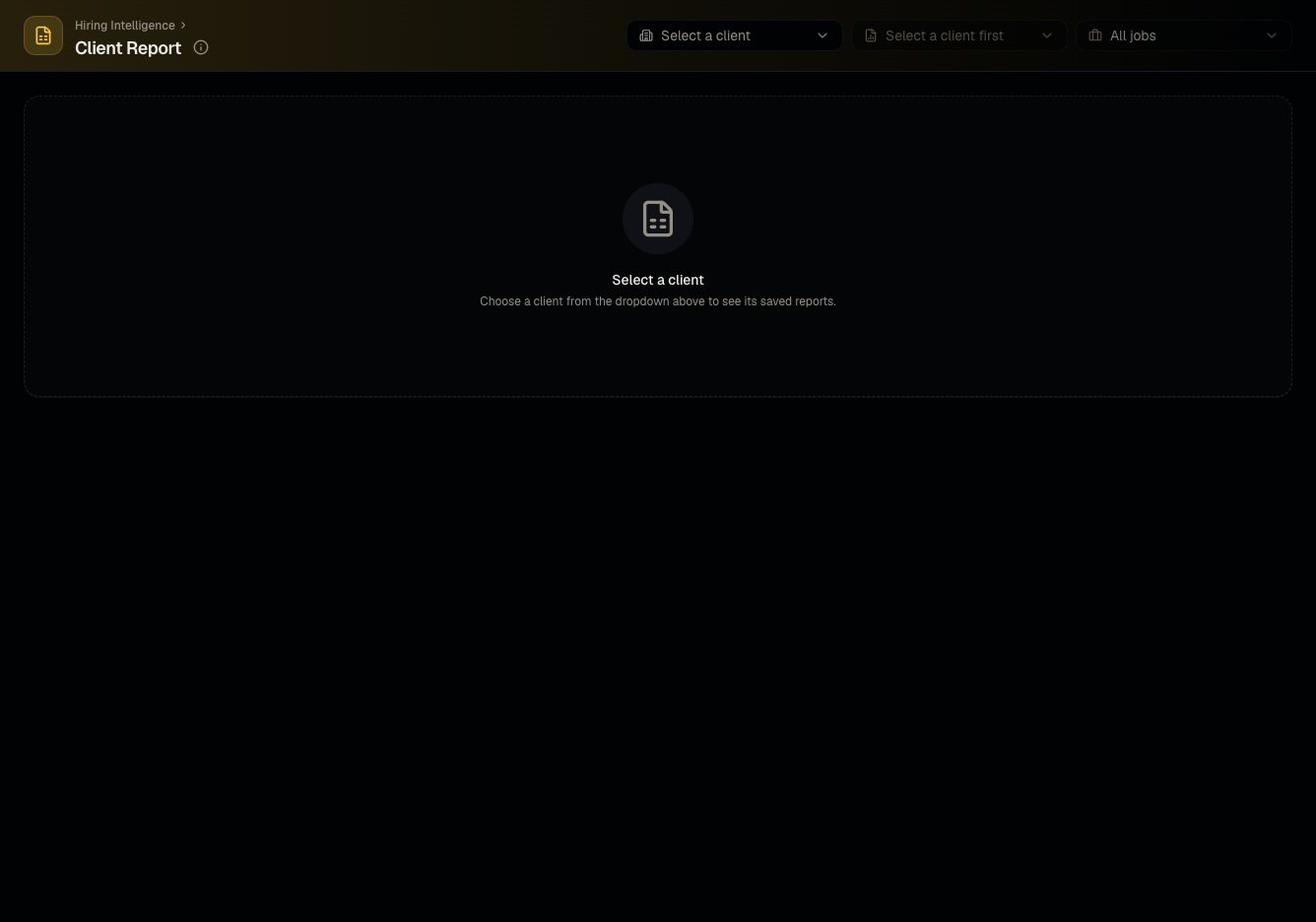
A filterable report of jobs and candidates scoped to one client, reachable both from the Reports menu and from a client's own page — see Reports overview for how this relates to report templates.
Who can use it
All roles can view; admins and members can edit and export.
Where to find it
Reports → Client Report, or from a client's detail page.
Steps
- Filter by client, job, or a specific saved report.
- Edit cells in the grid as needed.
- Download Excel to export.
- Generate a share link to send externally.
- Save the current filtered view as a shortcut for quick reopening later.
Good to know
- This is the same underlying data as Client reports on the client page — edits made from either entry point are the same report.
Common questions
- Can I save my filters for next time? Yes — use the shortcuts bookmark icon in the header.
- Who can edit cells in this grid? Admins and members; viewers can view and export but not edit.
- Does the share link require the recipient to log in? No — share links are designed to work for external, unauthenticated viewers such as a client contact.
- Can I filter this report to a single job within a client? Yes, the job filter narrows the grid to one role at a time.
Related articles
Last updated: 9/17/20263 views