Documentation
Hiring Intelligence hub
The analytics hub linking to every recruiting performance report.
What it is
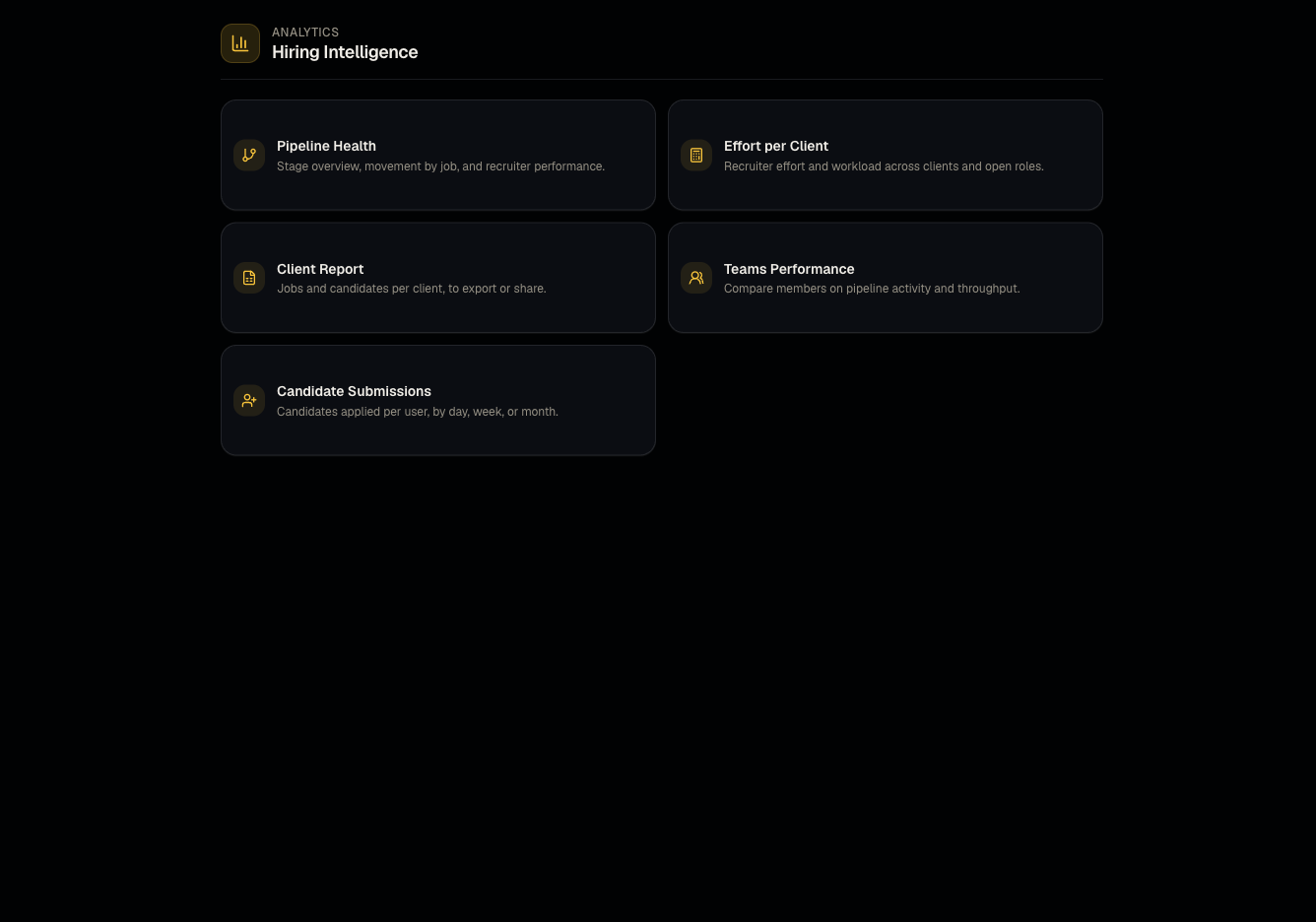
Hiring Intelligence is the landing hub for all analytics reports about your recruiting activity and performance — as opposed to client-facing candidate grids.
Who can use it
All roles can view.
Where to find it
Sidebar → Reports.
Steps
- Open the hub to see cards/links to each analytics report:
- Click into any card for the detailed report.
Good to know
- The old /dashboard/reports URL still works but simply redirects here — update any bookmarks.
Common questions
- Is there an AI effectiveness report? Not currently live — don't rely on it if you see it referenced elsewhere.
- Can I bookmark a specific report for quick access? Use the Shortcuts drawer for report views that support it, such as Client jobs and candidates.
- Do I need to be an admin to view any of these? No, all Hiring Intelligence reports are viewable by every role.
- Does the hub update in real time? Data generally reflects near-real-time activity; refresh the page if you've just made a change and don't see it yet.
Related articles
Last updated: 9/17/20263 views