Documentation
Candidate submissions report
Candidates added or applied per user, by day, week, or month.
What it is
Tracks how many candidates each user added to the database or applied to jobs, over a chosen time period.
Who can use it
All roles.
Where to find it
Reports → Candidate Submissions.
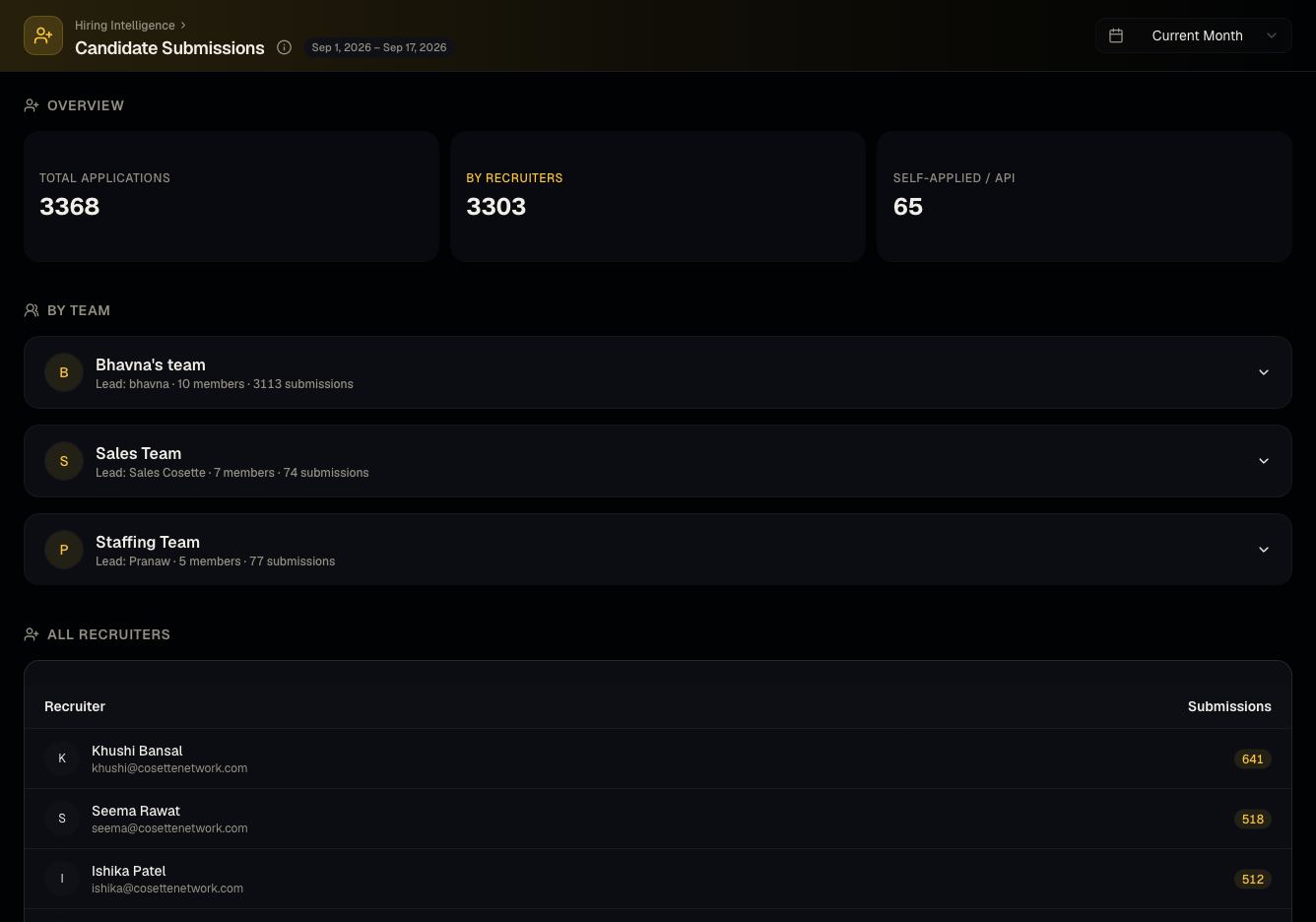
Steps
- Choose a time grouping (day/week/month).
- Review counts per user.
Good to know
- A candidate uploaded once but applied to several jobs is counted once for the add, and again for each job application — don't read the two metrics as interchangeable.
Common questions
- Does this count bulk uploads? Yes, candidates added via bulk resume upload are attributed to the uploading user.
- Does this distinguish between adding a candidate and applying them to a job? Yes, both are tracked as separate activity types in the breakdown.
- Can I see this for a date range other than the presets? Use the custom date range option if presets (day/week/month) don't fit your need.
- Does this include candidates added by a now-deactivated user? Yes, historical attribution is preserved even after a user is deactivated — see Users.
Related articles
Last updated: 9/17/20264 views