What it is
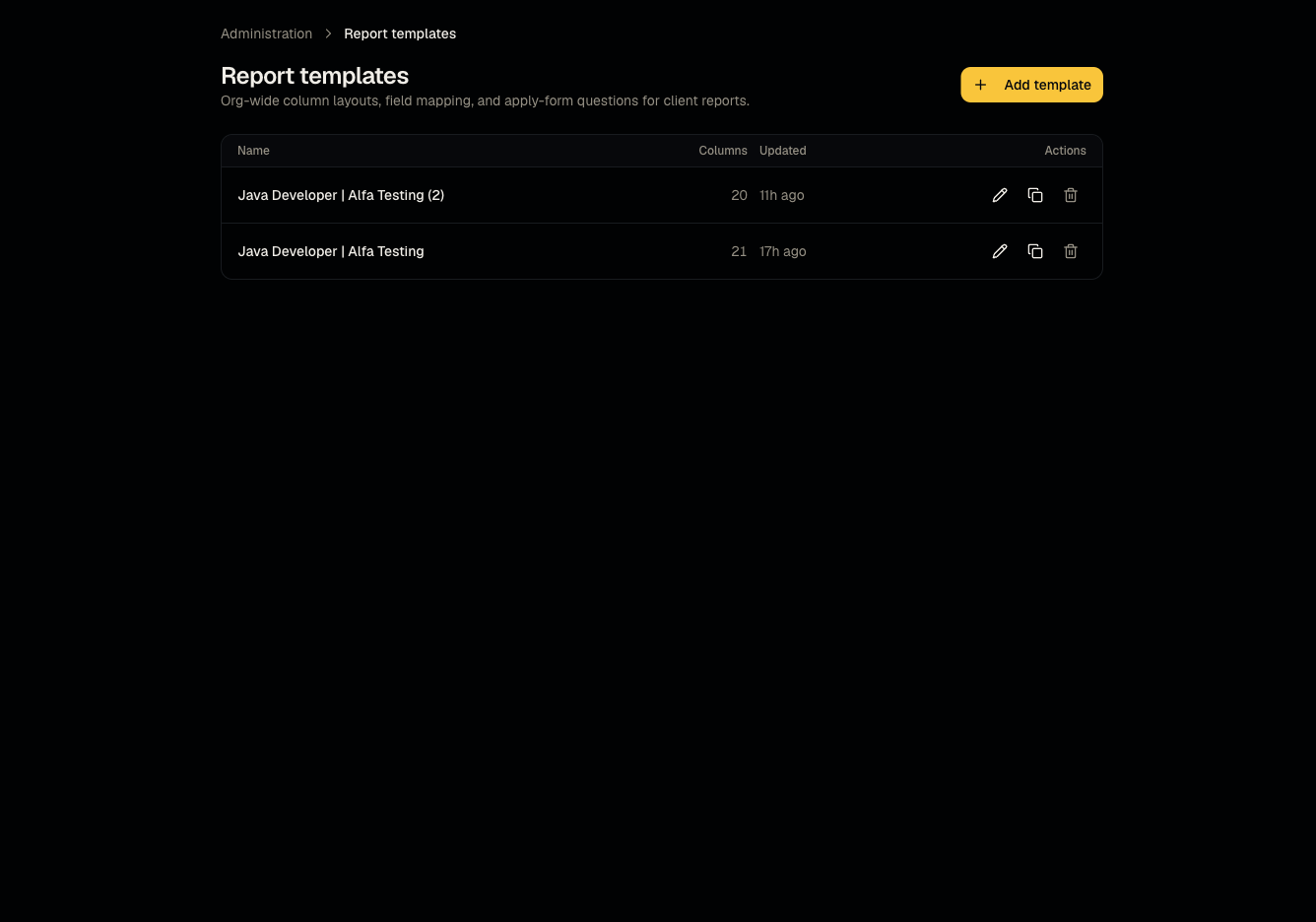
A report template is a reusable, org-wide definition of report columns and (optionally) pre-interview questions, so you don't rebuild the same layout for every new client or job.
Who can use it
Admins only manage templates. Members select an existing template when creating a job or a client report.
Where to find it
Administration → Report templates (create at New Report Template, edit at /dashboard/administration/report-templates/[id]/edit).
Steps
- Create a template: define column layout/field mapping and, optionally, a set of pre-interview questions.
- You can also start a template from an uploaded
.xlsxfile (max 2MB, 5,000 rows) using the same spreadsheet mapper used in Client reports. - Save the template — it now appears as an option when creating a job or a new client report.
Good to know
- Editing a template after it's already been used doesn't retroactively change jobs/reports created from it — they're independent copies once selected.
- Remember: template = org-wide reusable layout; saved report = the specific instance for one client, edited on its own after creation. See Reports overview for the full comparison.
Common questions
- Can members create templates? No — template management is admin-only, though members can use existing templates.
- Does deleting a template break jobs that used it? No — jobs keep their own copy of the questions/layout at the time they were created.
- Can I have different templates for different types of clients? Yes — create as many templates as you need and pick the right one per job or per report.
- What's the max spreadsheet size for the Excel-based template import?
.xlsxfiles up to 2MB and 5,000 rows.
Related articles
Last updated: 9/17/20265 views