What it is
Teams let you group users (e.g., by client vertical or geography) for reporting and organization.
Who can use it
Admins only.
Where to find it
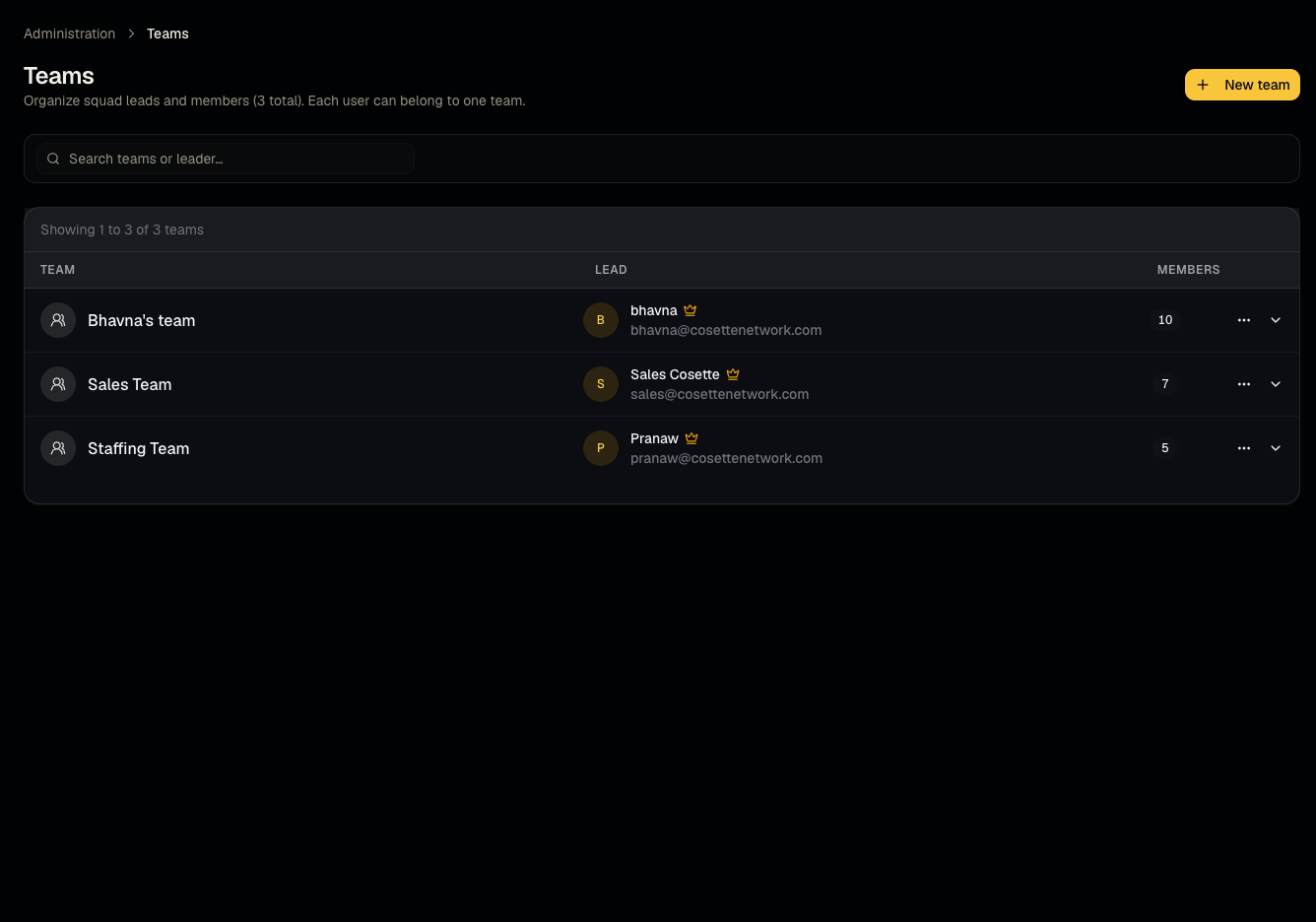
Steps
- Create a team and name it.
- Assign existing users to the team.
- Edit membership or delete a team as your org structure changes.
- Team assignment feeds into the Teams performance report.
Good to know
- Teams are an organizational/reporting grouping only — they don't restrict which candidates, jobs, or clients a member can see. Access is controlled entirely by role, not team membership.
- Keep team membership current — stale assignments will skew the Teams performance report without any error or warning.
Common questions
- Can a user belong to more than one team? Check the team assignment UI — if multi-team assignment isn't offered, create the primary grouping that matters most for your reporting.
- Does deleting a team delete its users? No, only the grouping — users remain in the organization.
- Can a viewer or member manage teams? No — team management is admin-only, though members and viewers can belong to a team.
- Does team membership affect what candidates/jobs someone can see? No — teams are for reporting/grouping, not an access-control boundary; see Roles and permissions for actual access rules.
Related articles
Last updated: 9/17/20264 views