Documentation
Schedule live interviews
Book human-to-human interviews with a date, time, and meeting link.
What it is
Separate from AI video interviews, this is a simple scheduler for live interviews — a recruiter or hiring manager meeting a candidate on a call.
Who can use it
Admins and members.
Where to find it
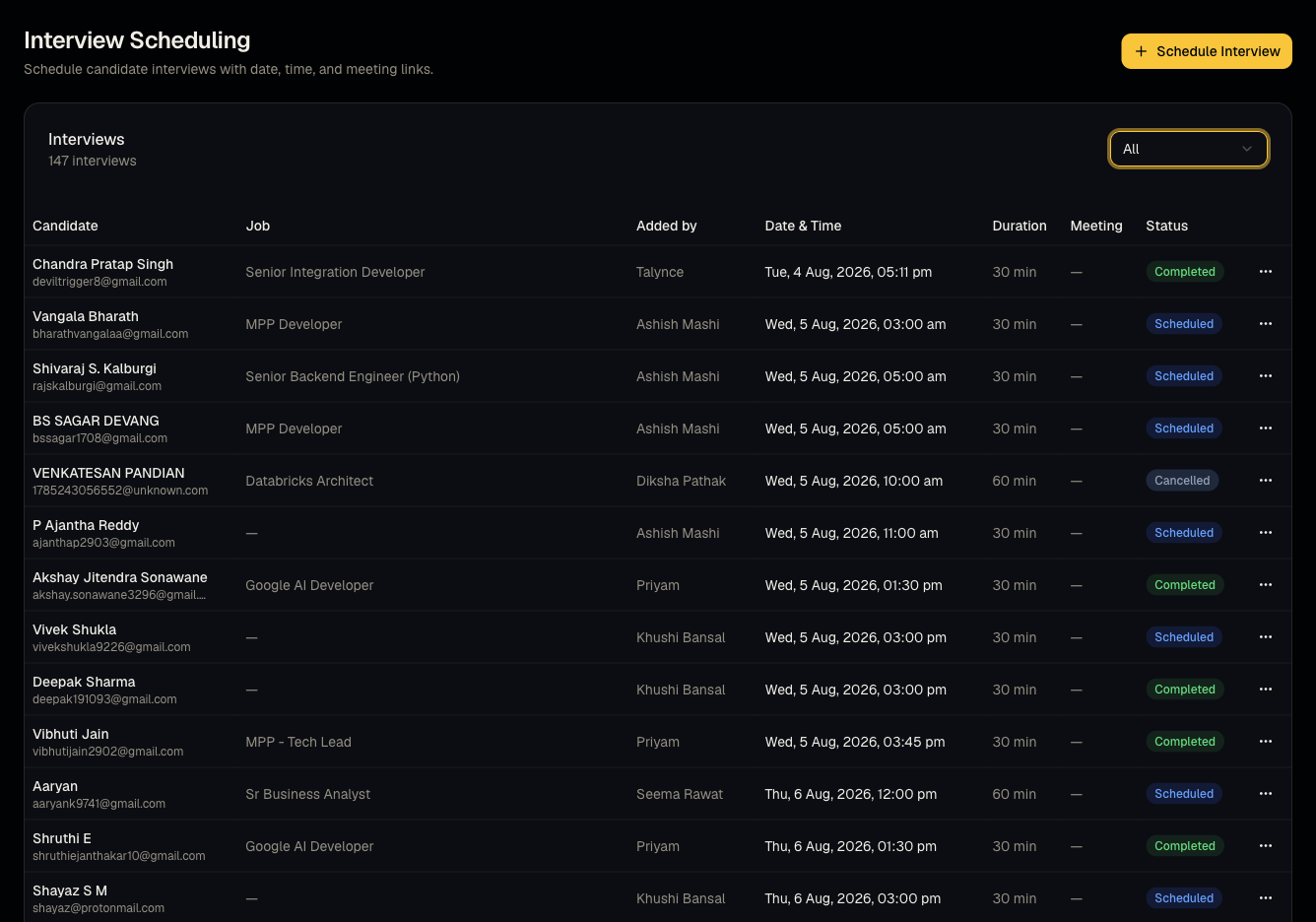
Sidebar → Interviews.
Steps
- Create a scheduled interview: pick the candidate, job, date, duration, and paste a meeting link (Zoom/Meet/Teams, etc.).
- View Upcoming, Past, or All interviews.
- Edit or cancel as plans change.
- Interviews scheduled for today also surface on the Dashboard overview widget.
Good to know
- This tool does not generate or host meeting links itself — you paste in a link from your own video conferencing tool.
- This is unrelated to AI video interviews; a candidate can have both a completed AI video interview and a separately scheduled live interview for the same job.
Common questions
- Does this send calendar invites automatically? Check with your admin about notification settings — the core scheduler itself just tracks the appointment; verify email reminders are configured for your organization.
- Can I reschedule? Yes, edit the existing entry rather than creating a duplicate.
- Can more than one recruiter be listed on the same interview? Check the scheduling form for multi-attendee support; if not available, note additional attendees in the interview's description.
- Where do cancelled interviews go? They remain visible under All or a dedicated cancelled filter, not deleted outright.
Related articles
Last updated: 9/17/20264 views