Documentation
Share a screening report and retake an interview
Send a tokenized report link to a client, or reset a session and issue a new invite.
What it is
Two related actions on a completed video interview: sharing a read-only report link (e.g., to a client who doesn't have a Talynce login), and retaking (resetting) a session to send a fresh interview link.
Who can use it
Admins and members.
Where to find it
From a video interview's detail page or its row menu on Screening → Video Interviews.
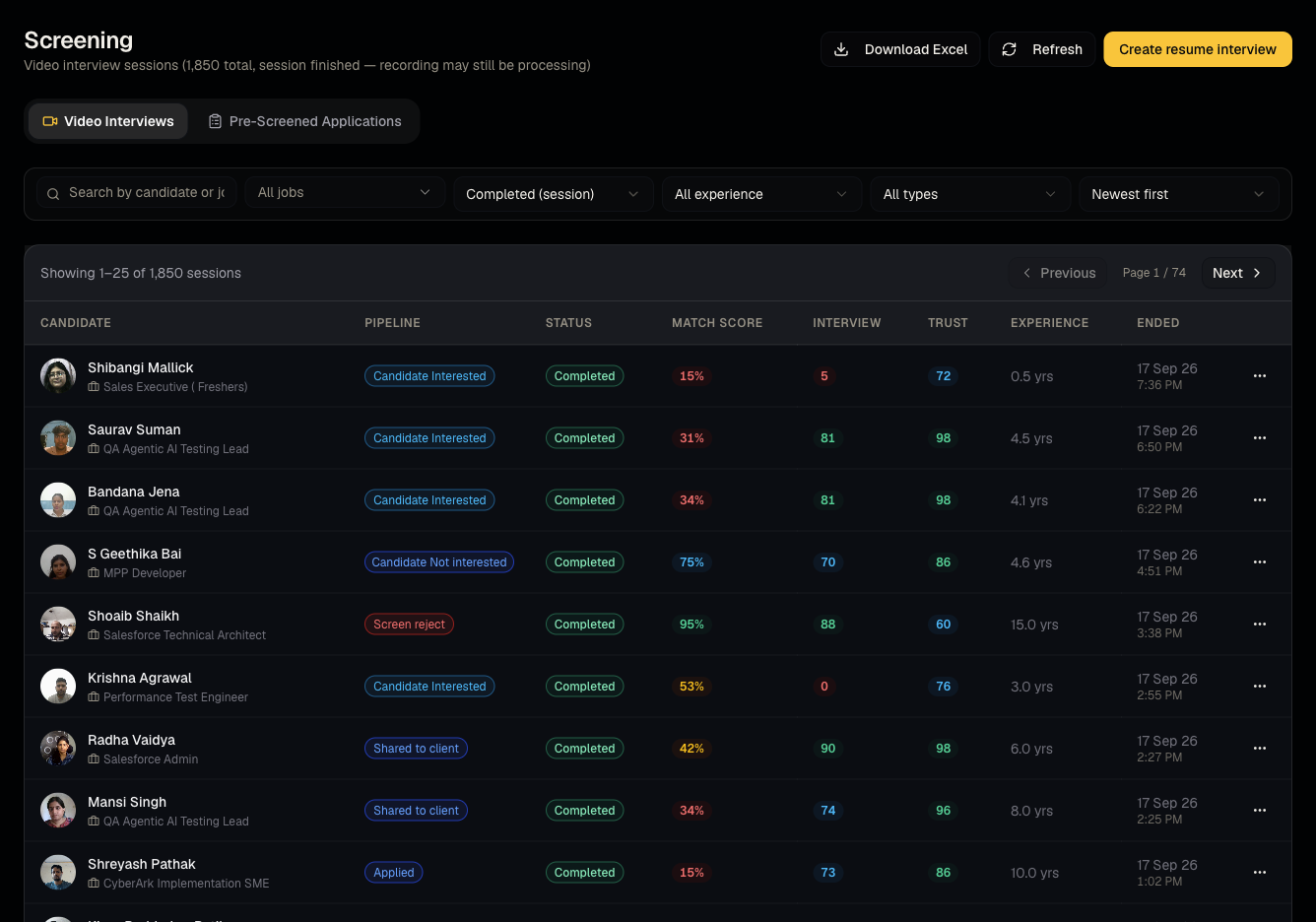
Steps: share
- Open a completed interview.
- Generate a share link (tokenized, works without login).
- Send it to whoever needs to review the interview outside Talynce.
Steps: retake
- From the row menu, choose retake.
- Confirm the warning: "Reset interview? All answers and video segments will be permanently deleted."
- A new interview link is issued and, if the candidate has an email on file, a notification is sent automatically.
Good to know
- Retake is destructive and irreversible — the previous recording and answers are permanently deleted the moment you confirm. Only retake if you're certain you don't need the old session (e.g., technical failure, wrong questions were asked).
- A share link exposes the report to anyone who has the URL — treat it like a password; don't share it in public channels.
Common questions
- Can I get the old recording back after a retake? No — it's permanently deleted.
- Does the candidate know I retook their interview? Yes, if they have an email on file, they're notified with the new link.
- Does a share link expire? Treat it as long-lived unless told otherwise by your admin; don't rely on it self-expiring for sensitive data.
- Can I revoke a share link after sending it? Generate a new link if you need to invalidate an old one; check the share dialog for an explicit revoke option.
- Why would I retake instead of just creating a brand-new interview? Retake keeps the same invite/tracking context (job, candidate, question set) and simply gives them a fresh attempt — it's faster than starting over from scratch.
Related articles
Last updated: 9/17/20264 views