Documentation
Pre-interview (apply-form) questions
The knockout questions candidates answer when they apply, before any video interview.
What it is
Pre-interview questions appear on the public apply form for a job — short questions candidates answer at the moment they apply, before any video interview happens. They're often used as knockout questions (e.g., notice period, work authorization, minimum salary).
Who can use it
Admins and members configure these; candidates answer them publicly, unauthenticated.
Where to find it
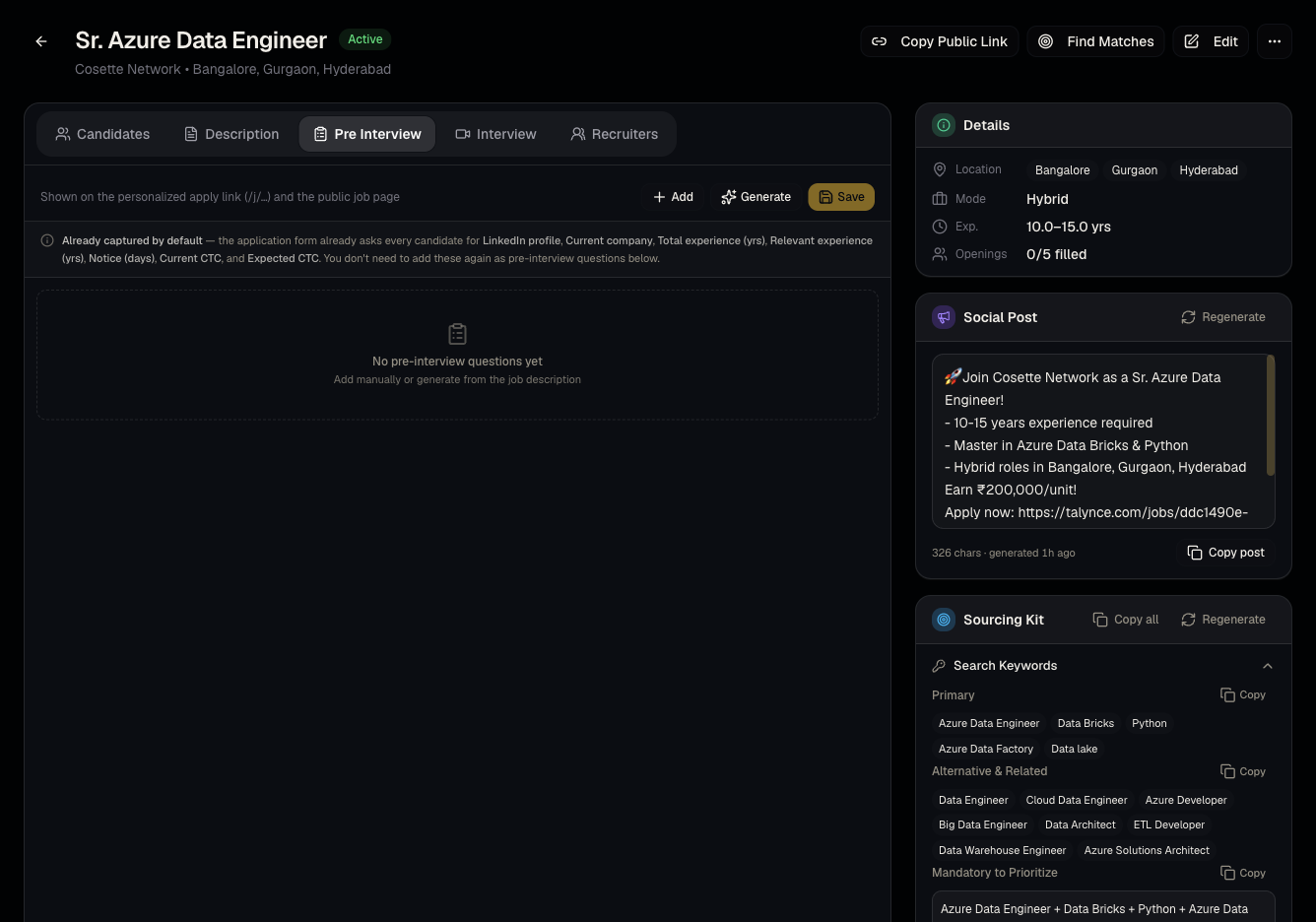
Job detail page → Pre Interview tab.
Steps
- Open a job → Pre Interview tab.
- Questions here are pulled from the client report / template attached to the job at creation, or added directly.
- Reorder, edit, or remove questions as needed — changes apply to future applicants, not retroactively.
- Answers show up per-candidate under Pre-screened applications — see Pre-screened applications.
Good to know
- Pre Interview tab vs Interview tab — these are two different question sets. Pre-interview questions are short-form apply-form text answers; the Interview tab (see Video interview questions) is the question set asked on camera during the AI video interview. Don't confuse editing one for the other.
- If the job has no client report/template attached, this tab may start empty — you can still add questions manually.
Common questions
- Do these questions block a candidate from applying if answered "wrong"? They're primarily informational for your team to screen manually — check with your admin about any hard knockout logic configured for your report template.
- Can I see all answers in one place? Yes, in Pre-screened applications.
- Can I make a question required? Configure this through the attached report template's question setup — check with your admin if a specific question needs to be mandatory.
- Do these questions appear before or after the candidate uploads a resume? They're part of the same public apply form, alongside the resume upload step.
Related articles
Last updated: 9/17/20263 views